Programa extension brings SketchUp models and product schedules into one workflow
Studio operations software Programa has introduced a SketchUp extension that connects 3D models with its product Schedules, freeing designers from duplicating information and giving them more creative time.
According to Programa, the extension is designed to reduce duplicate data entry by connecting a 3D model in SketchUp with a project’s Schedule in Programa.
Programa’s Schedules function acts as a streamlined alternative to spreadsheets, detailing each item’s code, supplier, finish, dimensions, quantity and price.
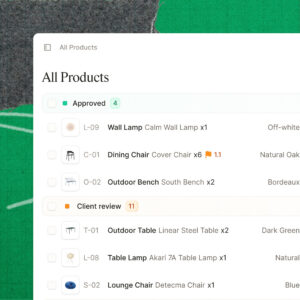
The extension runs inside SketchUp and allows designers to link components in the model to matching products in the Schedule.
As a result, designers can track an item from the first 3D sketch through to its final specification, without entering the same information separately in SketchUp and Programa.
From the model, designers can send a component to a chosen Schedule, or link it to a product that is already listed there.
Programa explained that linking to an existing product creates a connection without adding a duplicate line item, keeping the Schedule “clean” as the design is fleshed out.
Before anything is added, designers can review and edit the product’s information.
The Schedule entry combines the details available from the component with anything entered during that review.
Programa said this gives studios a chance to check the specification before it is used for pricing or procurement.
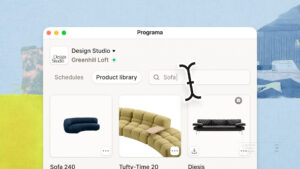
The extension also provides access to Programa’s Product Library within SketchUp.

Designers can place saved 3D models directly into their designs, and use product images as material swatches to bring selected finishes into the model.
In this way, the products (and finishes) a studio has chosen can be seen in the visuals as well as listed in the Schedule.
The process also works in reverse, starting from the Schedule. A product with a compatible 3D model attached can be placed straight into SketchUp.
If there is no model, designers can choose a stand-in from SketchUp’s 3D Warehouse, or from elsewhere in the current model, to represent the product.
Once a component and a product are connected, supported changes can be reviewed and applied in either direction.
For example, adding another copy of a connected chair in SketchUp generates a quantity change, which the designer can then apply to the Schedule.
The company added that changes are presented for review “before the corresponding update is applied”.
This means the model and the specification can move together as a design develops, while the Schedule is only updated once the designer has chosen to apply a change.
Programa stressed that responsibility remains with the studio.
Designers stay in charge of “selecting the right product, checking its details and deciding when the model or Schedule should change”, the company said.
The aim, it explained, is to carry information between the model and the specification rather than make those decisions on the designer’s behalf.
The extension is aimed at studios that model in SketchUp and manage their specifications in Programa.
The Programa extension works with SketchUp desktop on Mac and Windows.
To learn more, visit Programa’s website or its extension setup guide.
Read more
Recommended stories

Programa software tracks everything from product dimensions to material quantities

SketchUp’s 3D Basecamp Summit to showcase new digital tools for architects and designers

Watch part two of Tola Ojuolape’s Design Workshop with SketchUp about materials and finishes in interior design

Mr Chuck offers tips on how to enter the SketchUp Design Sprint Challenge 2025
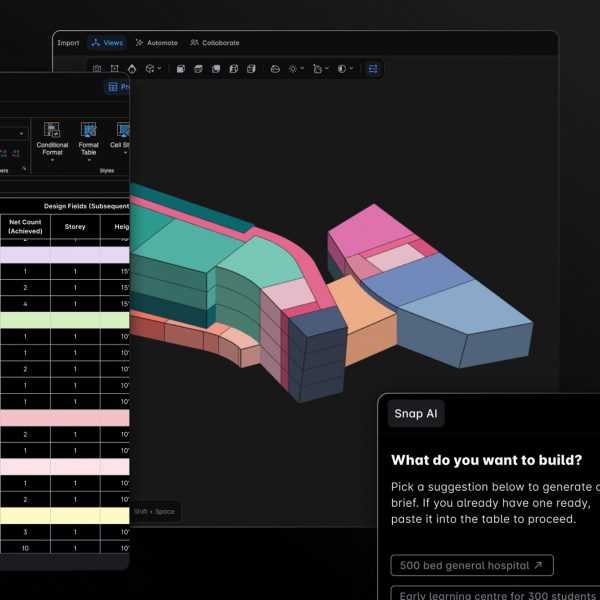
Snaptrude launches version 3.0 with “an all-in-one design ecosystem for early stage architecture”

Mr Chuck partners with Dezeen to launch SketchUp Design Sprint Challenge
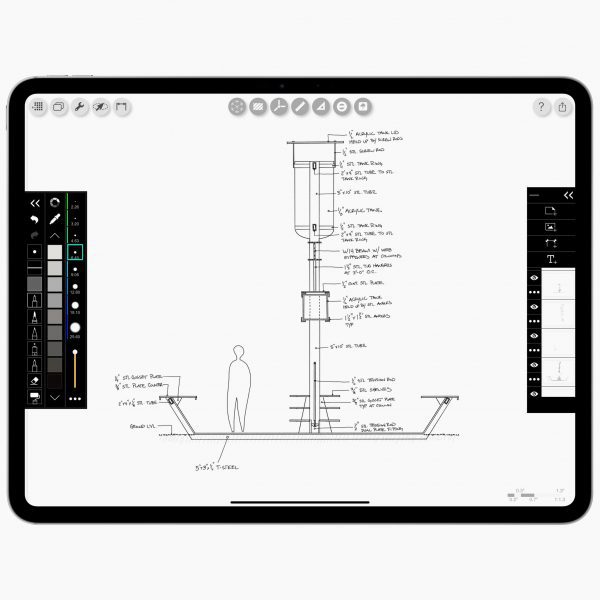
Vectorworks acquires Morpholio to help designers “unlock new creative superpowers”